AI Tools That Replace Manual Office Tasks
Office work used to be full of repetitive tasks—writing emails, updating spreadsheets, scheduling meetings, creating reports, and organizing files. These tasks are necessary, but they consume time and energy that could be spent on more important work.
Now, artificial intelligence is changing how offices operate. Instead of manually handling routine tasks, AI tools can automate, assist, and even complete them with minimal human input.
This isn’t just about convenience. It’s about working faster, reducing errors, and freeing up time for thinking, decision-making, and creativity.
Why AI Is Replacing Manual Office Work
Modern AI tools don’t just follow instructions—they understand context, learn patterns, and make decisions.
Here’s why businesses are adopting them rapidly:
- Time savings – Tasks that take hours now take minutes
- Reduced errors – Less manual input means fewer mistakes
- Better productivity – Employees focus on high-value work
- Automation across tools – AI connects apps and workflows
In fact, many tools now go beyond simple automation by anticipating needs and handling workflows automatically, reducing interruptions and repetitive work.
VIEW ALSO : Best Ways to Earn Money Using AI Without Investment
Types of Manual Office Tasks AI Can Replace
Before diving into tools, it’s important to understand what kind of work AI can take over.
Repetitive Tasks
- Data entry
- Copy-pasting information
- File organization
Communication Tasks
- Email replies
- Meeting summaries
- Chat responses
Administrative Work
- Scheduling
- Task management
- Report generation
Analytical Work
- Data analysis
- Insights generation
- Forecasting
Best AI Tools That Replace Manual Office Tasks
Let’s break down the most powerful tools currently replacing office busywork.
1. ChatGPT – Replaces Writing, Research, and Communication
ChatGPT acts like a smart assistant that can handle multiple office tasks at once.
What it replaces:
- Writing emails manually
- Drafting reports
- Brainstorming ideas
- Summarizing documents
How it helps:
- Generates professional emails instantly
- Turns long reports into short summaries
- Creates business content in seconds
It’s one of the most flexible tools for office productivity and is widely used for drafting and structuring content quickly.
2. Microsoft 365 Copilot – Replaces Office Work Inside Word, Excel, and Outlook
This tool is built directly into Microsoft Office apps, making it extremely powerful for everyday work.
What it replaces:
- Manual spreadsheet analysis
- Writing reports in Word
- Creating PowerPoint slides
- Taking meeting notes
Key advantage:
It works inside tools you already use, so there’s no need to switch platforms.
It can even convert raw data into insights and generate presentations automatically.
3. Zapier (AI Automation) – Replaces Repetitive Workflows
Zapier connects different apps and automates workflows without coding.
What it replaces:
- Moving data between apps
- Manual updates
- Repetitive processes
Example:
- When someone fills a form → automatically saved to spreadsheet → email sent → notification triggered
Zapier supports thousands of app integrations and eliminates repetitive manual steps across tools.
4. Notion AI – Replaces Note-Taking and Task Organization
Notion AI combines workspace organization with AI assistance.
What it replaces:
- Manual note-taking
- Task tracking
- Document structuring
What it does:
- Summarizes meeting notes
- Organizes projects automatically
- Generates content within your workspace
5. TimeHero – Replaces Manual Scheduling and Planning
TimeHero is designed to automate task planning and scheduling.
What it replaces:
- Manual calendar updates
- Task prioritization
- Scheduling conflicts
Key feature:
It automatically plans when tasks should be done based on your availability and adjusts schedules dynamically.
6. Scribe – Replaces Manual Documentation
Scribe is perfect for documenting processes and workflows.
What it replaces:
- Writing step-by-step guides
- Training manuals
- SOP documentation
How it works:
You perform a task once, and Scribe automatically creates a guide with screenshots and steps.
This is especially useful for onboarding and training teams.
7. AI Perfect Assistant – Replaces Multiple Office Tasks at Once
This tool integrates AI into Microsoft apps and offers multiple features.
What it replaces:
- Email drafting
- Report creation
- Data formatting
Key benefit:
It includes dozens of AI tools in one system, helping users handle multiple office tasks without switching tools.
8. AI Workflow Agents (Next-Level Automation)
A new category of AI tools is emerging—AI agents.
These tools don’t just assist; they act.
What they replace:
- Multi-step workflows
- Task delegation
- Project coordination
For example, newer systems can plan tasks, execute them, and track progress automatically, turning AI into a true digital coworker.
Real Office Tasks AI Can Fully Automate
To make this practical, here are everyday office tasks AI can completely take over:
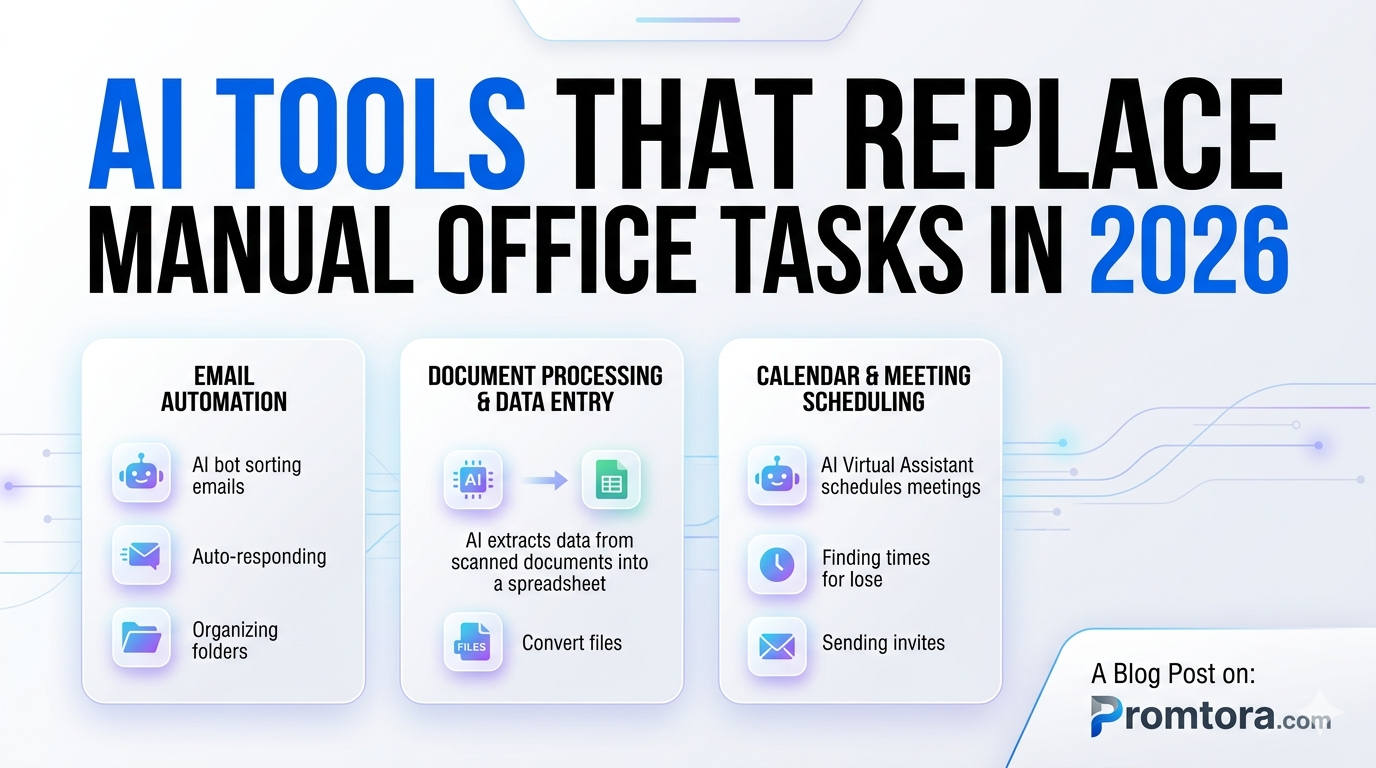
Email Management
- Auto-replies
- Sorting messages
- Drafting responses
Meeting Management
- Scheduling meetings
- Taking notes
- Summarizing discussions
Data Entry
- Filling spreadsheets
- Updating databases
- Extracting information
Reporting
- Weekly reports
- Performance summaries
- Analytics dashboards
Customer Support
- Chat responses
- FAQ handling
- Ticket summaries
AI tools can now handle these tasks consistently without fatigue or errors.
How AI Improves Office Productivity
AI doesn’t just replace tasks—it changes how work gets done.
Faster Workflows
Instead of doing tasks step-by-step, AI completes multiple steps instantly.
Better Decision-Making
AI analyzes data and provides insights, not just raw numbers.
Less Burnout
Employees spend less time on repetitive work and more on meaningful tasks.
Scalable Operations
Businesses can handle more work without hiring more people.
How to Start Using AI in Your Office
You don’t need to overhaul your entire workflow.
Step 1: Identify Repetitive Tasks
Look for tasks you do every day.
Step 2: Choose One Tool
Start small—email writing, scheduling, or data entry.
Step 3: Automate Gradually
Add more tools as you get comfortable.
Step 4: Build Workflows
Combine tools to create automated systems.
Common Mistakes to Avoid
Trying to Automate Everything at Once
Start small and scale gradually.
Ignoring Human Oversight
AI should assist, not completely replace decision-making.
Using Too Many Tools
Stick to a few powerful tools instead of overwhelming yourself.
The Future of Office Work
AI is moving beyond simple tools into fully autonomous systems that can plan, execute, and optimize tasks.
Some tools already act like digital employees—handling workflows, coordinating tasks, and even making decisions.
This means:
- Fewer repetitive jobs
- More strategic roles
- Faster business operations
The workplace is not disappearing—it’s evolving.
Final Thoughts
Manual office tasks are slowly becoming outdated.
The smartest professionals are not working harder—they’re working smarter by letting AI handle repetitive work.
If you’re still doing everything manually, you’re wasting time that could be used to grow, think, and innovate.
Start small. Automate one task. Then another.
Before long, you’ll realize that most of your daily workload can be handled by AI—while you focus on what truly matters.
FAQs
1. What are AI tools for office tasks?
They are software tools that automate repetitive office work like emails, scheduling, and data entry.
2. Can AI completely replace office jobs?
No, but it can replace repetitive tasks and improve productivity.
3. Which AI tool is best for office work?
Microsoft 365 Copilot and ChatGPT are among the most versatile.
4. Do I need coding skills to use these tools?
No, most AI tools are designed for non-technical users.
5. Can AI handle emails automatically?
Yes, AI can draft, reply, and organize emails.
6. Is AI safe for business use?
Yes, but sensitive data should be handled carefully.
7. What tasks should I automate first?
Start with repetitive tasks like emails, scheduling, and reports.
8. Are AI tools expensive?
Many offer free versions or affordable plans.
9. Can small businesses use AI?
Yes, AI is especially helpful for small teams with limited resources.
10. How quickly can I see results using AI?
You can start saving time almost immediately after implementation.